Workflow automation
Workflow automation that removes the repetitive work.
We map the workflows your team repeats every week and automate them across the tools you already use — so the repetitive work moves on its own and people step in only where judgement matters.
Who it's for
- Teams re-typing the same data into two or three tools
- Owners chasing follow-ups, reminders and approvals by hand
- Businesses rebuilding the same weekly report in a spreadsheet
The problem
The repetitive work hides in the gaps between tools.
Most lost time isn't inside any one app — it's in moving information between them: copying an enquiry into the CRM, raising the invoice, sending the follow-up, updating the sheet. Each step takes minutes, together they take days every month, and every hand-off is a chance for something to be missed.
What you get.
- 01
A map of the workflow
How the process runs today, which steps should be automated — and which shouldn't.
- 02
Automations across your tools
Triggers, steps and conditions connecting the apps you already pay for. No migration.
- 03
Human checkpoints
Approvals and reviews built into the flow wherever a person should decide.
- 04
Logs and alerts
Every run recorded, and a notification when something fails — not a surprise from a customer.
- 05
Documentation and handover
How each automation works, how to change it, and access to every account.
What it looks like in practice.
Ones marked “Real project” are live systems we've built. The rest are typical examples, not claims about a specific client.
- Example
Enquiry → CRM → reply → owner
Before: Enquiries sit in an inbox until someone copies them into the CRM.
After: Logged, acknowledged and assigned to an owner as they arrive.
- Example
Deal won → invoice → welcome
Before: Someone has to remember to raise the invoice and send onboarding emails.
After: Invoice created and welcome sequence sent when the deal is marked won.
- Example
The weekly numbers
Before: Monday morning spent rebuilding last week's report by hand.
After: Generated from the source data and waiting in your inbox.
How it works.
- 1
Map the workflow
We walk through the process with the people who run it and find the manual steps.
- 2
Agree the scope
What gets automated, what stays manual, and a fixed price — in writing.
- 3
Build and test
Built against real cases from your business, including the awkward ones.
- 4
Hand over
Live on accounts in your name, with the code, documentation, access and training.
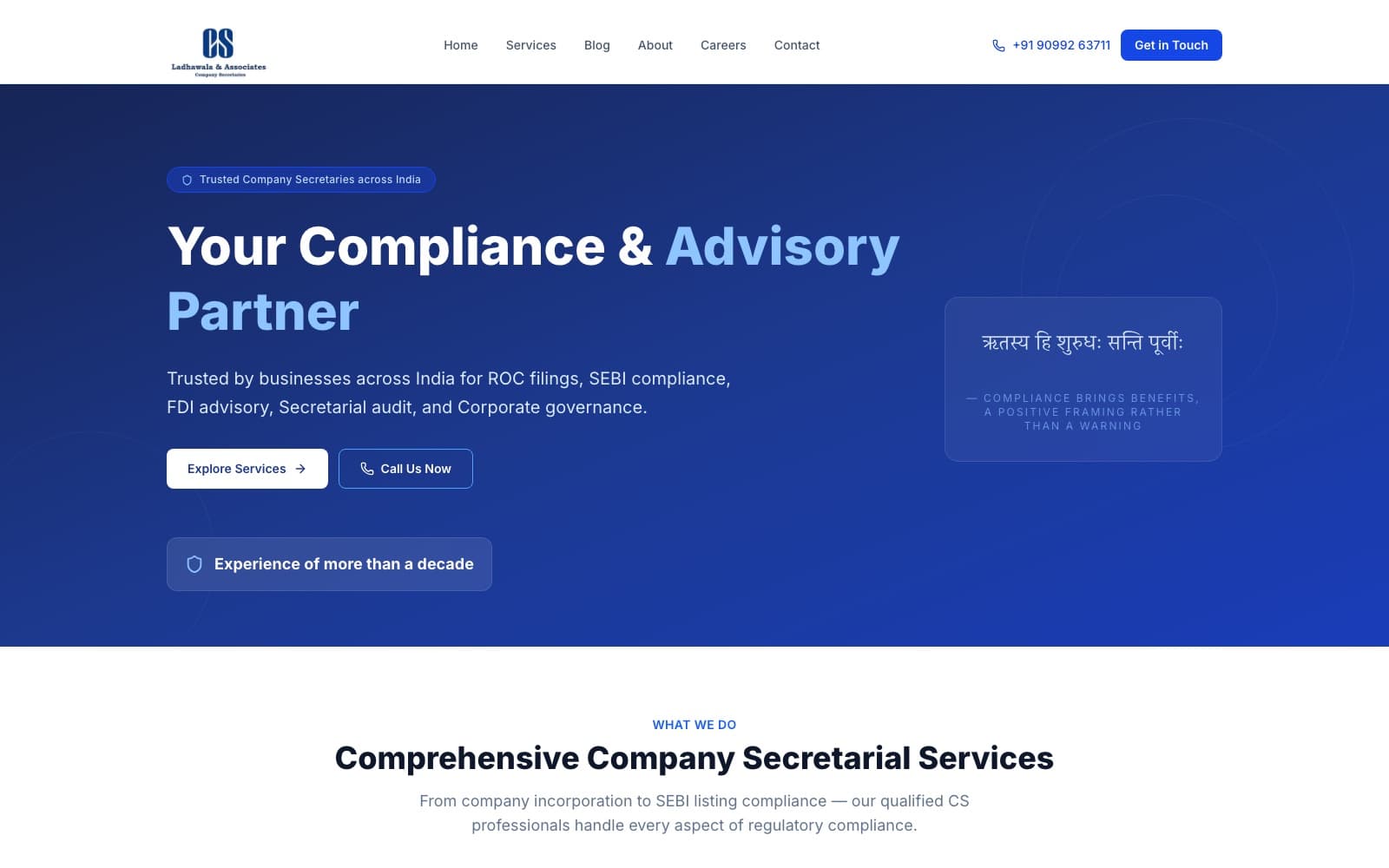
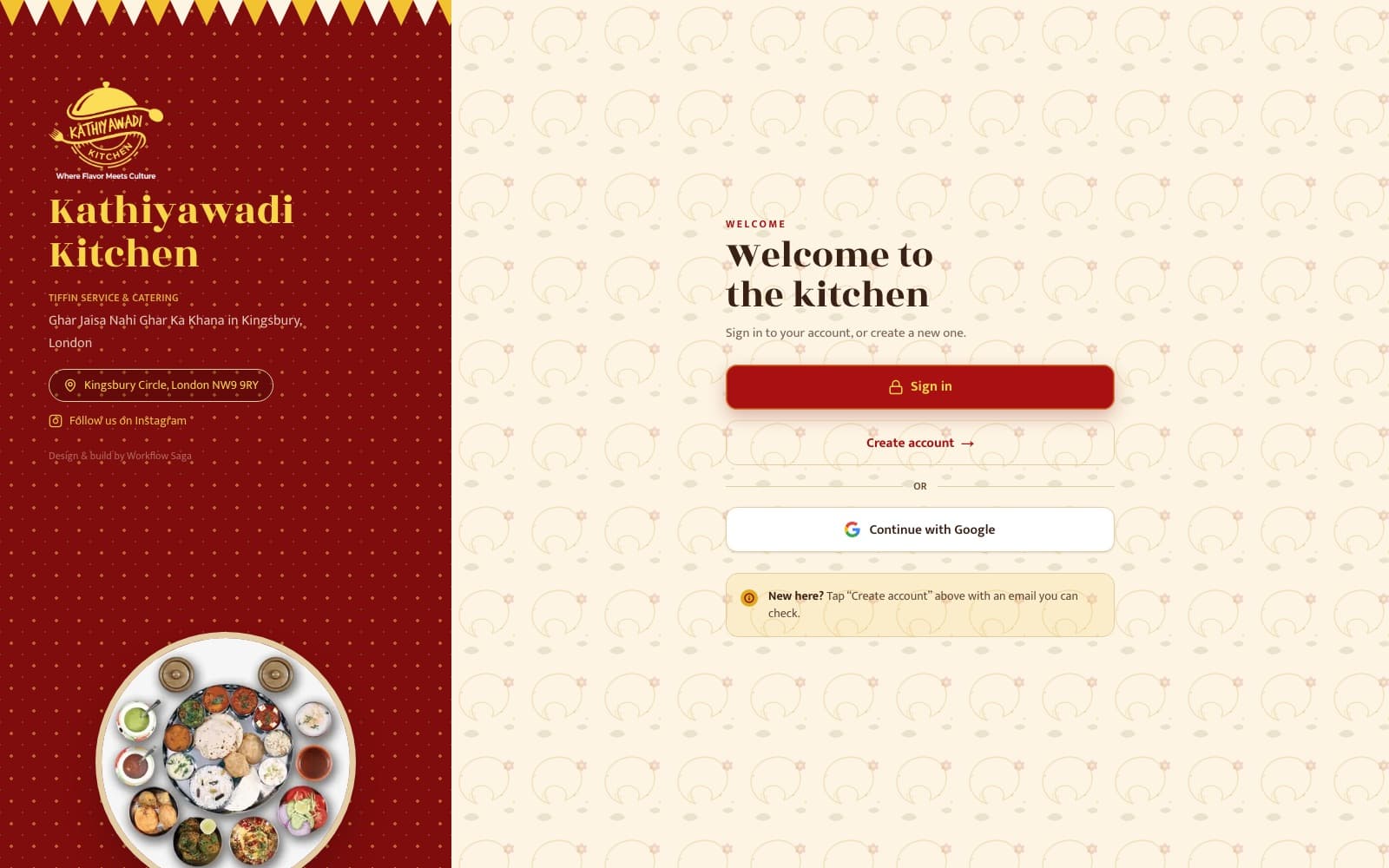
Built by WorkflowSaga.
Live systems we've designed, built and shipped.
Workflow Automation FAQs
Which tools can you automate?
The ones you already use — CRM, inbox, calendar, forms, accounting — connected through their APIs, or through an automation platform where that's the simpler, more maintainable choice. We check every tool during scoping and tell you upfront if something can't be connected reliably.
Do we have to replace our software?
No. Automation connects what you already have, so your team keeps working in familiar tools.
What if our process changes later?
You own the automations and the documentation, so they can be changed at any time — by us under a separate agreement, or by anyone you choose.
What does it cost to run?
The build is a fixed, one-time price. Any automation platform or API usage is billed to your own accounts; we estimate those running costs during scoping.
How do you handle our data?
Automations run on accounts in your name, each step gets only the access it needs, and all credentials are handed to you at the end. If you need to meet a specific compliance standard, raise it on the discovery call.
Let's find the hours you're losing.
Bring one process that's slowing you down. We'll tell you honestly whether it's worth automating.