Integrations & CRM automation
Integrations that make your tools work as one system.
We connect your CRM, accounting, forms, email and payment tools so the data moves on its own — no re-typing, no copy-paste, and nothing lost between systems.
Who it's for
- Teams entering the same customer details into several tools
- Businesses whose CRM is only as current as the last manual update
- Anyone holding tools together with exports and copy-paste
The problem
Disconnected tools create invisible work.
Every new tool solves one problem and creates another: the data now lives in two places. Someone has to keep them in sync, and when they don't, reports are wrong and customers fall through the gaps.
What you get.
- 01
An integration map
Which system holds which data, and which one is the source of truth.
- 02
API connections
Direct connections between your tools, or an integration platform where that's simpler to maintain.
- 03
CRM automation
Lead capture, follow-ups, pipeline updates and reminders inside the CRM you already use.
- 04
Two-way sync where it matters
Changes flow in both directions only where that's genuinely needed.
- 05
Error handling and alerts
Failed syncs are retried and reported, not silently dropped.
What it looks like in practice.
Ones marked “Real project” are live systems we've built. The rest are typical examples, not claims about a specific client.
- Example
Website → CRM
Before: Form enquiries copied into the CRM by hand, often days later.
After: Created in the CRM straight away, with source and owner set.
- Example
CRM → accounting
Before: Won deals re-typed as invoices in the accounting system.
After: The invoice is created from the deal, with the right details.
- Real project
Payments and sign-in
Before: Payments confirmed manually and customers managing yet another password.
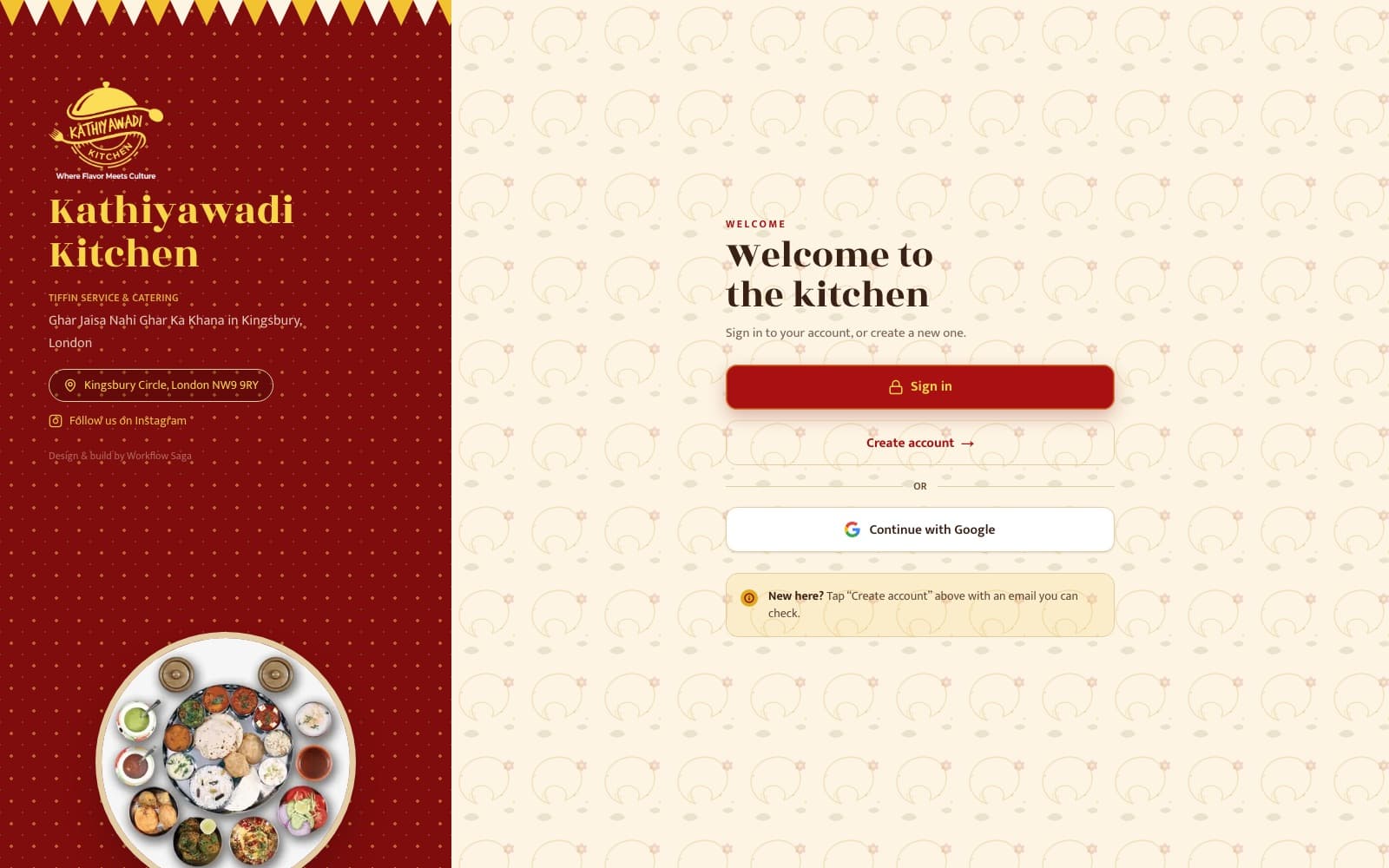
After: In-app payments and Google sign-in built into an ordering platform.
How it works.
- 1
Map the systems
What each tool does, where the data lives, and where it's re-typed today.
- 2
Choose the approach
Direct API or integration platform, with a written scope and fixed price.
- 3
Build and test
Tested with real records, including edge cases and failures.
- 4
Hand over
Live on accounts in your name, with the code, documentation, access and training.
Built by WorkflowSaga.
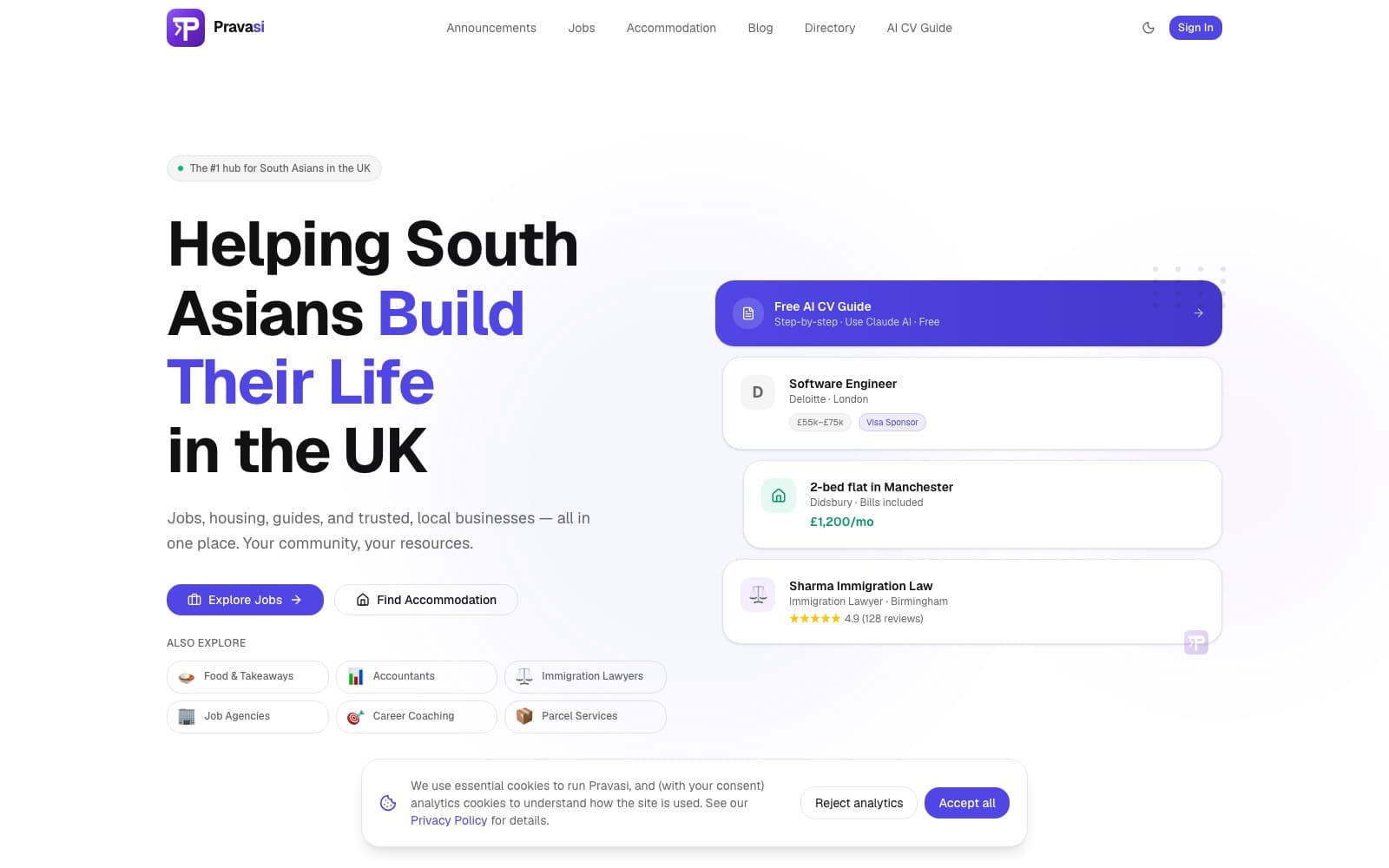
Live systems we've designed, built and shipped.
Integrations & CRM Automation FAQs
Which tools can you connect?
Most business tools with an API — CRMs, accounting, email, forms, calendars, payments and messaging. We check each one during scoping and tell you upfront if a connection isn't reliable.
Will this replace our CRM?
No. We automate and connect the CRM you already have, so your team doesn't need to learn a new system.
We already use Zapier or Make — can you work with that?
Yes. We can build on what you have, or replace fragile automations with something more reliable where that makes sense.
What happens if a tool changes its API?
Alerts tell you when something stops working. Fixes can be handled by you, any developer, or us under an optional support agreement.
Tired of re-typing the same data?
List the tools you use. We'll show you where they could be talking to each other.